



Adam Doud/SlashGear
When you’re in the market for a good cheap laptop, you’re going to have to deal with some cut corners. Less expensive PCs might have to compromise on things like weight, or internal specs, or the operating system, so it’s important to know what you want to do with it and what it can handle.
As a product journalist, I work with a ton of electronics and a fair number of laptops as well. But as a writer and editor who works mostly online, I wouldn’t consider myself a “power user” by any stretch of the imagination. I can use just about any computer to write in Google Docs, browse the web, and even run a few great Android apps — mostly for streaming media in my (precious little) downtime.
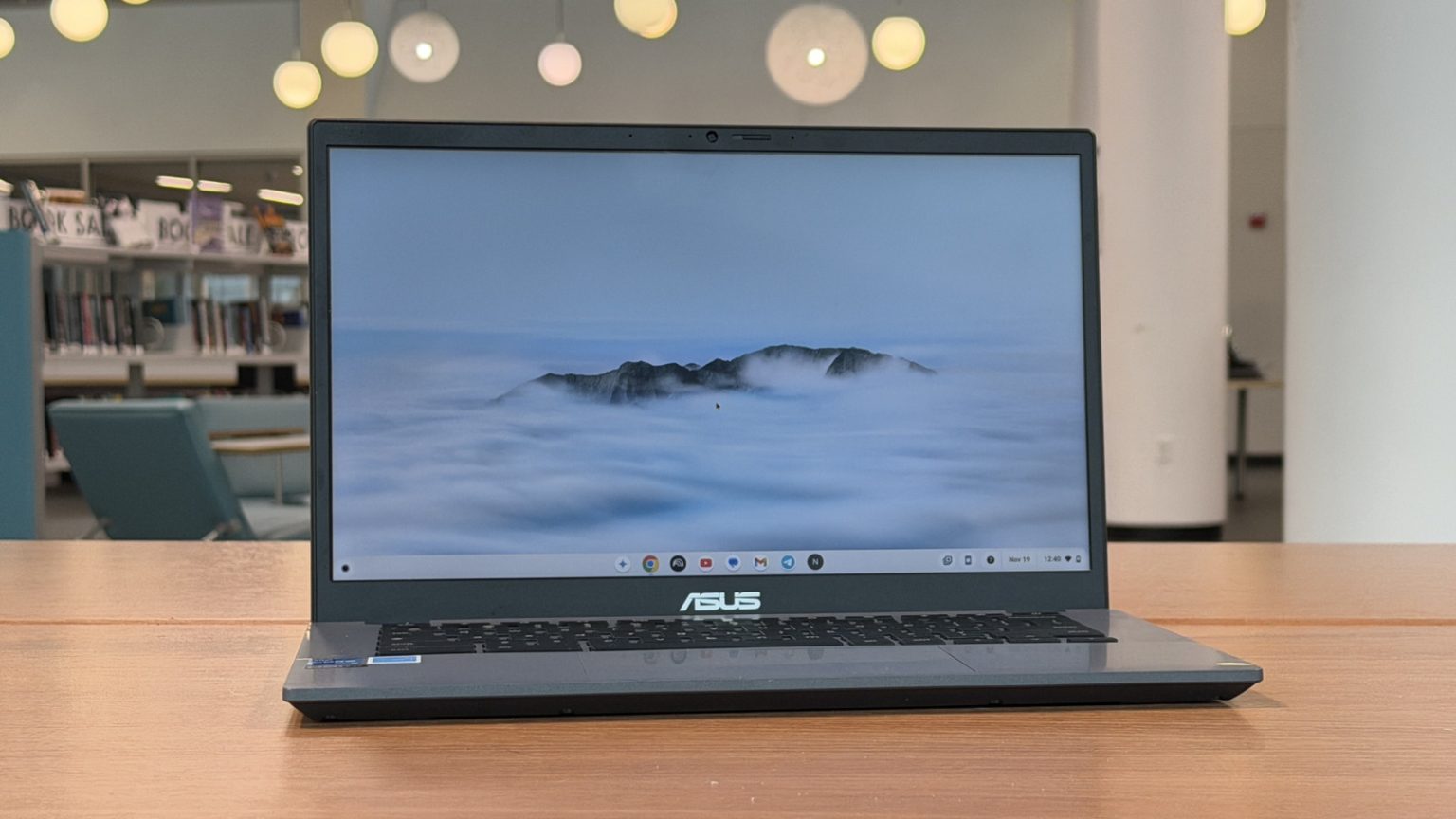
For the past few days, I’ve been working with the Asus Chromebook Plus CX34, a surprisingly good laptop that checks a lot of boxes right out of the gate. Bear in mind, I’m using a version of the laptop with a slightly upgraded processor — an Intel Core i5 — which retails for $399. The only difference is that the base model uses a Core-i3 processor, so they’re very similar in most respects — same RAM, 128 GB of storage, etc. All that being said, it’s not an amazing PC by any stretch of the imagination but it is very serviceable for what I do for a living, and it might be for you too!
What you get (and what you don’t get)
Adam Doud/SlashGear
A sub-$300 laptop is going to have compromises, for sure. The body is made of a polycarbonate — which is a fancy word for “plastic”. The laptop checks in at just over three pounds, which is not bad for a laptop, especially if you’re frequently on the go. The processor is either an Intel Core i3 or a Core i5 depending on your configuration — as mentioned, I’m using a core-i5 myself. The keyboard is a responsive chiclet-style keyboard with textured keys.
The screen is the biggest compromise. It’s a 14-inch LCD panel which is not bright and not particularly vibrant. Colors are muted, and the panel itself is a bit low-res. It’s fine for writing and reading, but media playback is not great.
But the keyboard is quite nice, and the battery life is decent — Asus advertises 10 hours; I get closer to five or six hours on a charge. The weight at just over three pounds is not bad for a mobile work machine, and there’s a good number of ports including two USB-C ports (either of which support PD charging), an HDMI port, two USB-A ports and a headphone jack. There’s even a physical privacy shutter for the webcam.
As long as you can get by with ChromeOS (which has been steadily improving over the years) then there’s no reason why this laptop can’t be your browsing, Netflixing, and/or writing machine. At $299, it’s a pretty good deal.